Overview
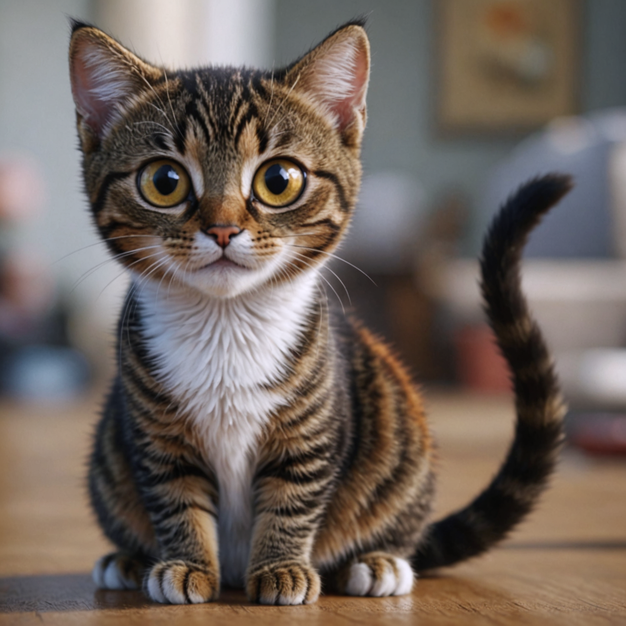
SketchToImage began as a bit of fun: could a rough doodle be handed to a model and come back as a finished piece of art? The demo was delightful, and then something more interesting happened. People who actually draw for a living, and hobbyists sketching for the joy of it, started using it. They would take a photo of a pencil drawing, or scribble something new right in the browser, pick a look, and watch it turn into a polished image. Word spread, and the toy quietly became a tool people came back to.
Getting from that first demo to something tens of thousands of creators could rely on was almost entirely an engineering job. The generative model is the magic, but it is just one component: around it sits a real drawing surface, an asynchronous pipeline that keeps the interface alive while GPUs work, a credit and payments system so the compute pays for itself, and a second marketing site to bring people in. The guiding idea throughout was simple: the model renders, the product orchestrates. This study walks through the parts that took the most engineering: capturing the input, the async generation pipeline, and the creative suite and platform built around it.
Business Challenges
- A Fun Demo Is Not a Product – The experiment proved the idea was delightful — a rough scribble came back as finished art. But artists who adopted it needed reliability, accounts, saved work, and a way to pay: the gap between a viral demo and something people use every week is almost entirely engineering.
- Renders Take Real Time, Users Don't Wait – A quality generation runs on a GPU for many seconds. Freeze the interface while it works and it feels broken; the product had to stay alive and responsive through every long-running render, upscale, and animation.
- Compute Costs Money on Every Click – Each generation burns real GPU time. Without accounts, credits, and a paid tier, a popular free tool simply bleeds money — usage had to be metered and monetised without getting in the creator's way.
Technical Challenges
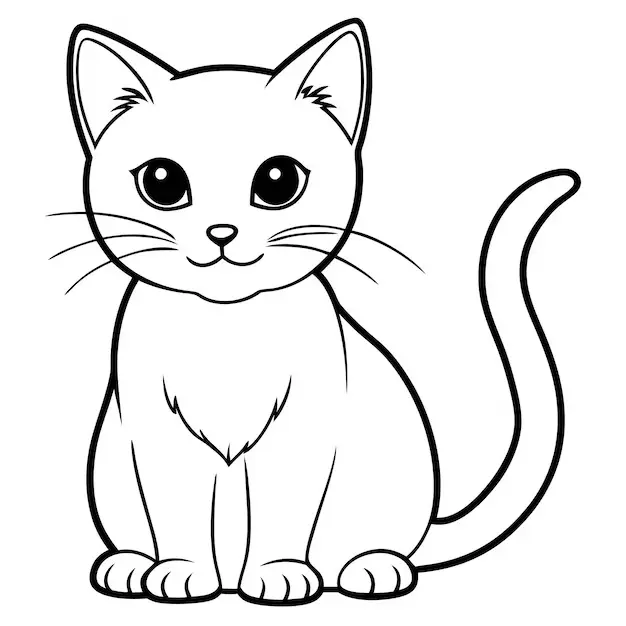
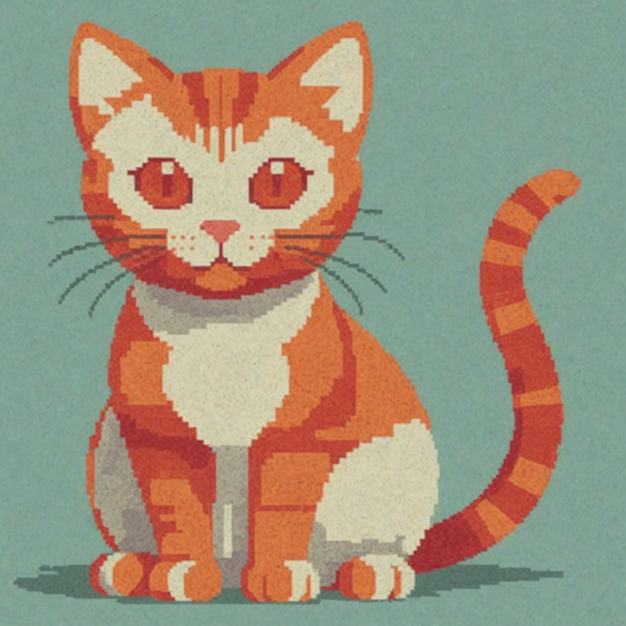
- Keeping the Drawing in Control of the Output – The whole appeal is that the finished art follows the lines the user drew. That means the sketch has to condition the model as a structural control — not just sit in a prompt — so a cat drawing comes back as that cat, rendered in the chosen style.
- Long Jobs Behind a Snappy UI – Generation, upscaling, and animation all outlast a normal HTTP request. Each needed an asynchronous submit-then-poll protocol so the browser could show progress and stay interactive instead of blocking on a slow response.
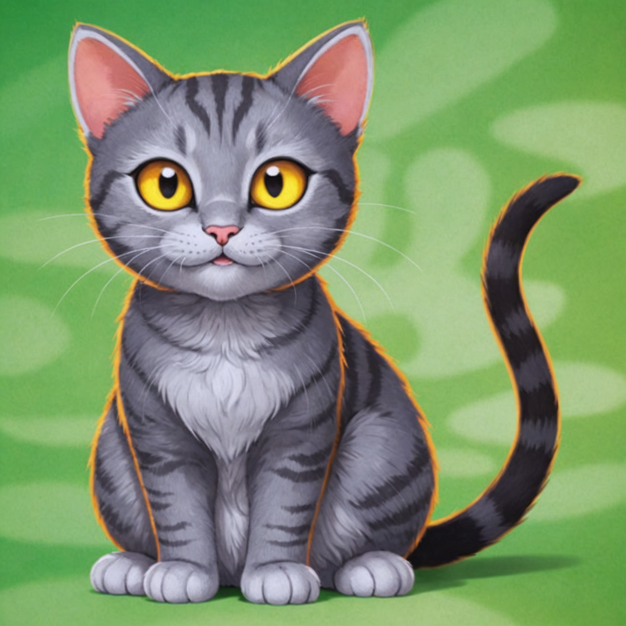
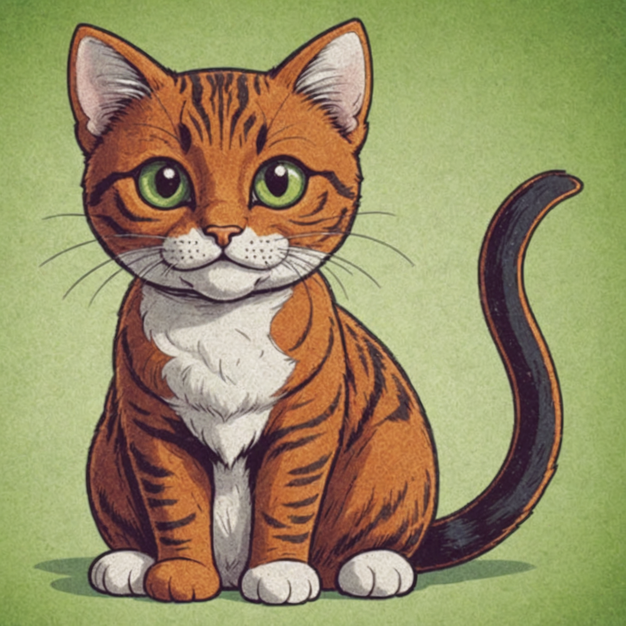
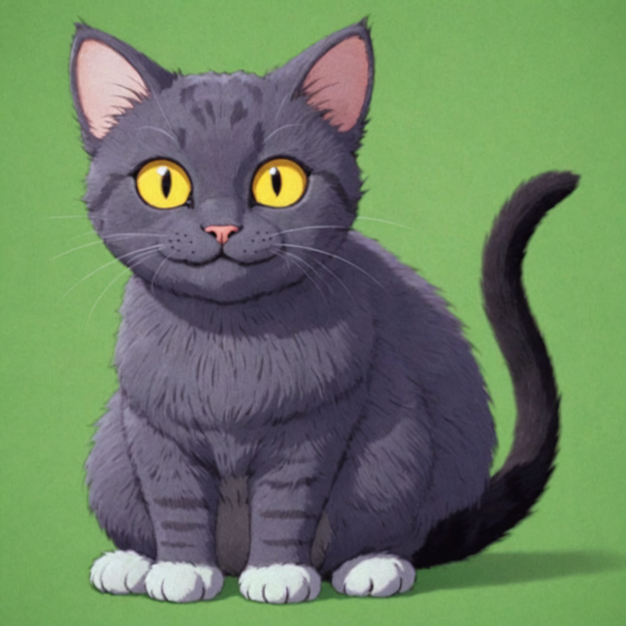
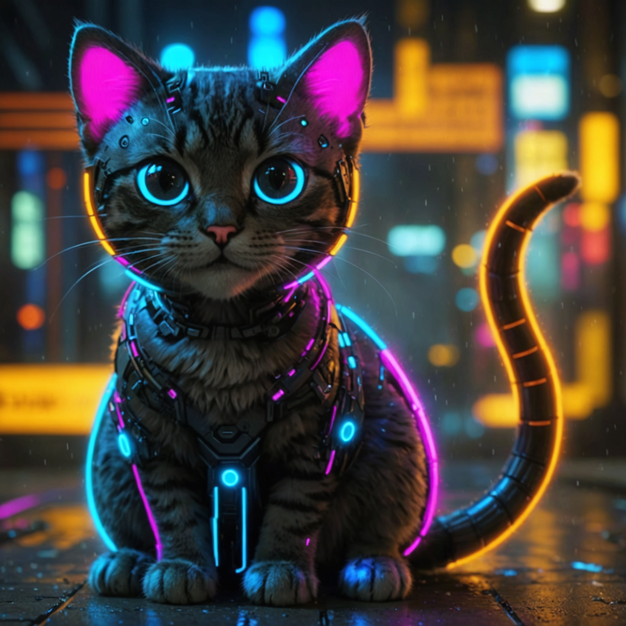
- One Creative Idea, Many Styles – Twenty distinct looks — from Studio Ghibli to Cyberpunk to Funko Pop — had to be selectable per generation and shape the same scribble in reliably different ways, without a separate code path for each.
- Credits That Are Fair – A credit should be spent for a result, not an attempt. Metering had to survive failed renders, leave a creator's balance intact on a failure, and reflect plan tiers that unlock higher-resolution upscales.
Our Approach
The design philosophy was “let the model render, let the product orchestrate.” Turning a scribble into beautiful art is exactly the kind of open-ended creative leap a generative model is great at, so that step stays with the model. Everything the model is not good at, capturing a clean drawing, keeping a slow job from freezing the UI, spending a credit only when a result actually lands, unlocking a higher-resolution upscale for a paying user, is ordinary, dependable engineering. The creative step is fast and surprising; the parts a paying creator depends on are boring and predictable.
Discipline & Contributions
| Discipline | Contributions |
|---|---|
| Product Engineering | Turning a proof-of-concept into a real product: accounts, a credit model, pricing tiers, a gallery, and the paid upgrade path artists actually used. |
| UI/UX Design | A drawing canvas with brushes, shapes, line widths and undo/redo, a paste-or-upload entry point, a 20-style picker, and a live output view that animates while the render runs. |
| Backend & AI Pipeline | A backend on Cloud Run that submits scribble-conditioned generation, upscale and animation jobs to a GPU model and tracks them to completion. |
| Growth & Platform | A Nuxt marketing site with SEO galleries and before/after comparisons, Firebase auth and storage, paid plans and affiliate tracking, and analytics across both surfaces. |
Meeting the Idea Where It Starts
A creator’s idea arrives in one of two ways: they draw it, or they already have it. The app supports both and collapses them into a single clean input — a stored image URL — before generation ever begins, so the pipeline downstream never has to care how the picture came to exist.
- A real drawing canvas. Not a file picker with extra steps, but an actual sketching surface with pencil and brush strokes, selectable shapes, adjustable line widths, and keyboard-driven undo/redo, so someone can scribble an idea without leaving the page.
- Or bring your own. A photo of a pencil drawing or any existing image can be dragged straight in. This was the most common path for the artists who adopted it, who already had sketchbooks full of work.
- One normalised input. Whichever route, the drawing is serialised to a single PNG and uploaded to Firebase Storage, producing a stable URL. The generation stage has exactly one input shape to reason about, and the backend fetches a clean image rather than juggling raw browser uploads.
The Generation Pipeline
This is the centrepiece, and the hard part is not calling a model, it is calling a slow model gracefully. A quality render runs on a GPU for many seconds, far longer than a normal web request should wait, so the whole flow is built around submitting a job and then watching it, rather than blocking on a single call.
- The scribble is a control, not a caption. The drawing conditions the model structurally to steer the composition, while the prompt and the chosen style decide the look. That is what makes the output your cat, rendered as a 3D character or a watercolour, rather than a generic new image.
- Submit, then poll.A generation request returns a job id immediately; the client then polls the job’s status every couple of seconds until it reports
succeeded, updating the output view the moment the render lands. The interface never freezes on a long call. - Twenty styles, one path. Style is just a parameter on the request, so the same pipeline produces Hyper Realistic, Anime, Studio Ghibli, Watercolour, Cyberpunk, Funko Pop and fifteen more looks without a bespoke code path for each.
- Credit spent on results, not attempts.A credit is only decremented once a render actually succeeds. A failed job surfaces an error and leaves the creator’s balance untouched.
One Render, More to Do
A finished piece is often the start, not the end. The app grew into a small creative suite to upscale a result to a higher resolution or bring it to life as a short video, and every one of those features leans on the exact same asynchronous protocol the core generator uses.
- Upscale, tiered by plan.A generated image can be enhanced to 2× or 4× resolution, with the higher factor unlocked for higher-paying subscribers. This uses the same submit-and-poll job, with the scale derived from the user’s subscription tier.
- Image to video. Art can be animated into a short clip through a longer-running job that is polled on its own cadence, reusing the same completion pattern with a video-shaped payload.
- The pattern is the product. Because every heavy task speaks one protocol (submit, get a job id, and poll to completion), new capabilities are added at the edges without reinventing how long work is tracked.
The Rest of the System
The canvas and the pipeline are the centrepiece, but they sit inside a complete product: a Nuxt app for creating, a Node backend on Cloud Run that runs every job, a Firebase-backed account and credit system, and a separate marketing site whose whole purpose is to show the transformation and bring new creators in.
- Accounts, credits & payments. Google sign-in through Firebase, a per-user credit ledger that meters every generation, pricing tiers, and paid checkout with affiliate tracking: the machinery that lets a compute-hungry tool pay for itself.
- A marketing site built to convert.A second Nuxt site leads with before and after comparison sliders and SEO galleries for each tool, including sketch to image, kids’ art, interior and architectural design, and image to video, so the product sells itself by simply showing the result.
- Measured everywhere. Analytics events across both surfaces, including every draw, upload, generation, download and failure, turned a fun experiment into something the team could observe, tune and grow.
Technology Stack
- The app: Nuxt 2 / Vue, Vuex, a drawing canvas, image-compare and confetti touches, Google Analytics event tracking
- Marketing site: Nuxt 3, @nuxt/content, before/after compare slider, sitemap, PostHog, SEO galleries for each tool
- Backend API: A backend on Google Cloud Run (versioned /api/v2), asynchronous job submission and status polling for every long-running task
- AI & media: Scribble-conditioned generation on a GPU backend across 20 styles, plus upscale (2×/4×) and image-to-video generation
- Platform: Firebase Authentication (Google) & Storage, a per-user credit ledger, paid plans and Tolt affiliate tracking
Results & Outcomes
Takeaways
- A delightful demo is the first 10%. The scribble to art moment was easy to prove. Making it reliable, accountable and paid for, which is the part that turned it into a tool artists trust, was the real build.
- Design the UI around slow work. Treating generation, upscaling and animation as submit and poll jobs kept the interface alive and let one protocol serve every heavy feature.
- Let the drawing lead. Conditioning the model on the sketch, not just a prompt, is what keeps the output faithful to what the creator actually drew.
- Meter for results, not attempts. Spending a credit only on a successful render, with plan tiers unlocking more, made the economics fair to creators and sustainable for a GPU-backed product.